Laptop won’t start? Screen flickering? Get practical repair help in Cyberjaya, with onsite support across Selangor, pickup and delivery, or drop-off by appointment.
Your next step, made clear.Tell us the issue. We’ll guide you.
REPAIR. RECONNECT. REBOOT.
Repair & troubleshootingHome & office visitsBusiness IT supportWebsites & automation
HELP THAT FITS YOUR DAY
What’s slowing you down?
Choose what you need. We’ll confirm the scope, fees and next steps with you.
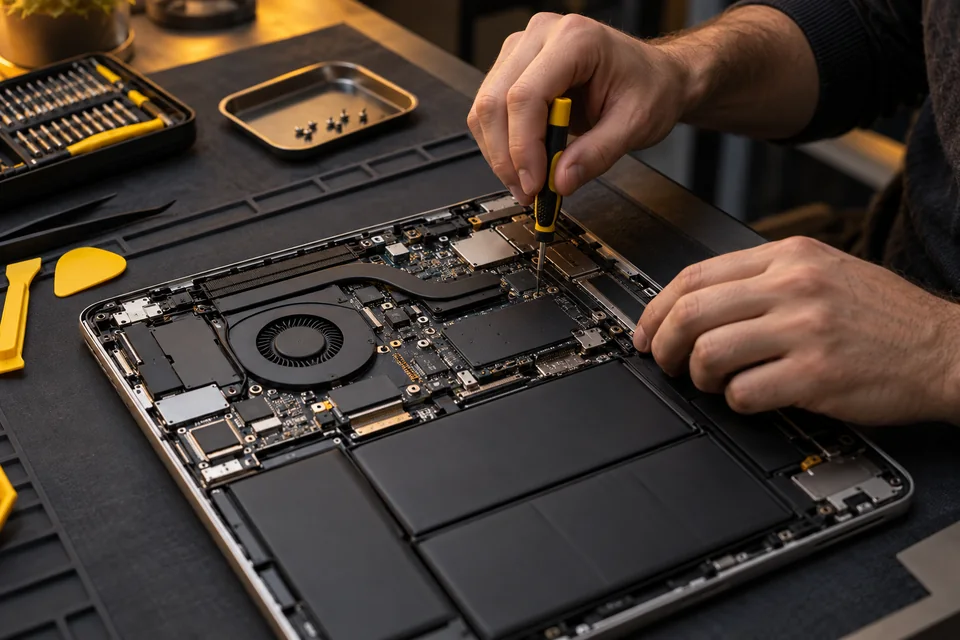
AI-generated illustration01
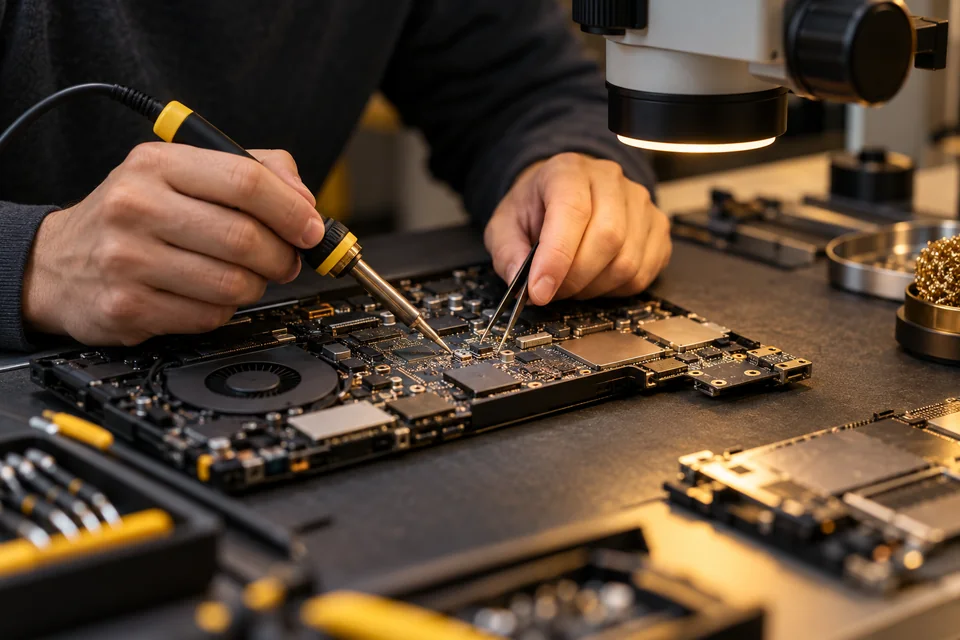
Computer & Laptop Repair
Laptop and PC repair
A dead laptop, blue screen or random shutdown shouldn’t put your day on hold. Get a diagnosis and understand your repair options before deciding.
Power faults · Windows · Hardware
AI-generated illustration02
Onsite IT Support
Onsite IT support in Selangor
Skip the trip. Get hands-on troubleshooting at your home or office anywhere in Selangor. Tell us the issue and we’ll confirm the visit fee and schedule.
Across Selangor · Home & office
AI-generated illustration03
Motherboard Repair
Motherboard and power fault assessment
No power or an unexpected shutdown? A board-level assessment can help identify the fault and whether repair makes sense for your device.
Board-level assessment · Power issues
AI-generated illustration04
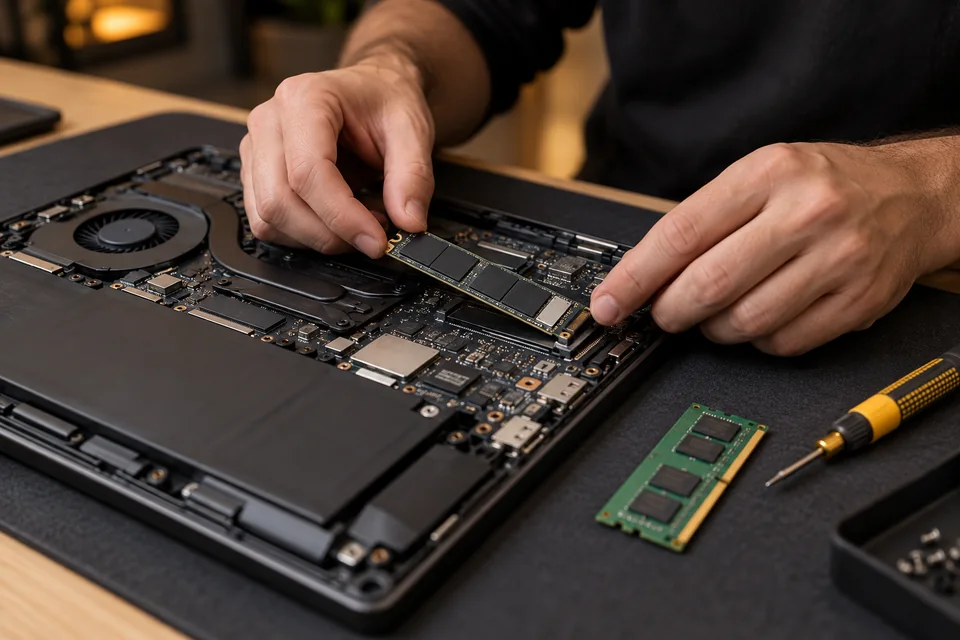
Upgrades & Device Setup
SSD and RAM upgrades
Waiting for apps to load? Find out whether a compatible SSD or RAM upgrade can give your everyday work a smoother start.
SSD · RAM · Device setup
AI-generated illustration05
Networking
Wi-Fi and network troubleshooting
Dead zones, dropped calls and unreliable Wi-Fi waste time. Let’s troubleshoot your connection and plan a network that fits your space.
Wi-Fi · LAN · Home & office
AI-generated illustration06
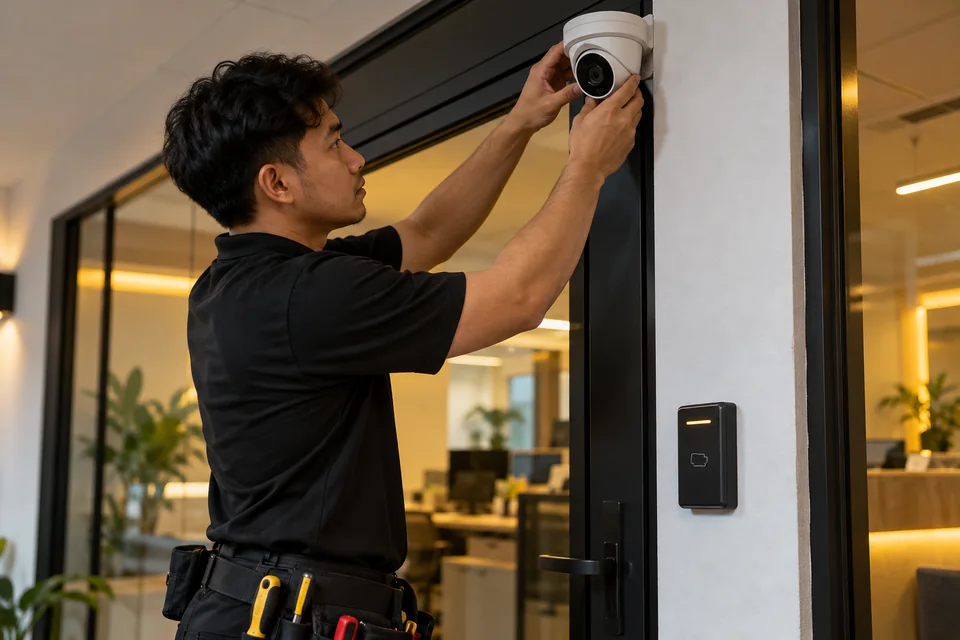
CCTV & Access Control
CCTV and access control support
A camera that won’t record isn’t much help. Discuss installation, NVR troubleshooting and access control for your home or business.
CCTV · NVR · Access control
AI-generated illustration07
Microsoft 365
Microsoft 365 setup
Bring business email, documents and collaboration into a setup your team can use. Get help configuring Microsoft 365 for your workflow.
Business email · Setup · Collaboration
AI-generated illustration08
Business IT Solutions
Business IT support
From workstation issues to office IT planning, get practical support that fits how your business works. Start with the problem slowing your team down.
Workstations · SME support · IT planning
AI-generated illustration09
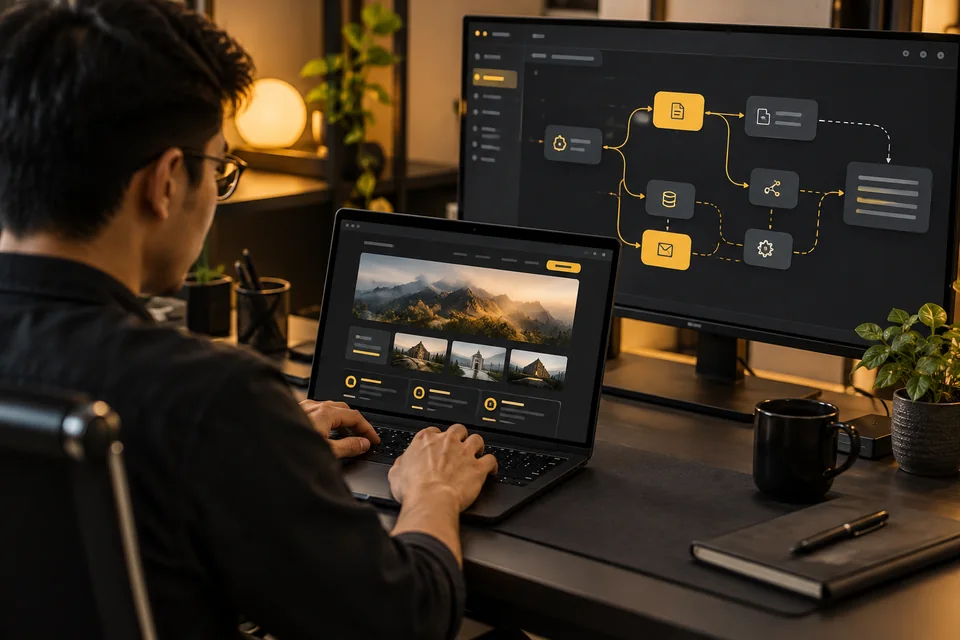
Websites & AI Automation
Websites and AI automation
Give customers a clearer way to reach you, and explore automation for repetitive business tasks. Let’s scope a website or AI workflow around your needs.
Websites · AI · Workflow automation
LOCAL COMPUTER REPAIR / CYBERJAYA, SELANGOR
Get help with the problem stopping your day.
Laptop won’t turn on? Screen flickering? PC running slowly? Tell REBOOTC the brand, exact model and symptoms. We assess power, screen, motherboard, storage and Windows issues, then discuss repair or upgrade options with you.
Computer and laptop troubleshooting for individuals, students and businesses.
Home-based laptop drop-off in Cyberjaya, by appointment.
Onsite checking at homes and offices throughout Selangor.
For HP or Dell blinking lights, share the model and the number or pattern of flashes. Visit fees, repair costs and turnaround depend on the diagnosis and parts availability; confirm the applicable charges with our team first.
Does it happen at startup, while using Windows, or when moving the screen? Tell us whether an external monitor shows the same problem, if you have already tried one.
Describe what feels slow: startup, opening apps or multitasking. Share the model and your usual work so we can assess troubleshooting or compatible SSD/RAM upgrades.
Record one full repeating cycle. Note the light colour, number of flashes and pauses, plus the exact model. Codes differ between models; we check the relevant documentation before interpreting them.
For checking and troubleshooting at home or at work, share your location and device symptoms. We confirm the visit charge and availability first. Some faults need further assessment away from your premises.
We assess laptops and desktop PCs with no power, screen or keyboard problems, slow performance, overheating and Windows issues. Send the exact model and symptoms so we can discuss a suitable next step.
How do I arrange a laptop drop-off in Cyberjaya?
REBOOTC operates from home in Cyberjaya. Appointment handover is at Cyberia Gate 2, Cyberjaya. Contact 011-3196 1089 to confirm a time before travelling. Drop-off is arranged directly with our team.
Can you collect and return my laptop or PC?
Pickup and delivery can be arranged. Share your area and device details so we can confirm availability, collection time and the applicable transport charge before you agree.
Do you provide onsite computer support throughout Selangor?
Yes. We offer onsite checking and troubleshooting at homes and offices across Selangor, including Cyberjaya. Some repairs may require a workshop assessment; the next step depends on the fault.
Do you operate 24 hours?
Yes, REBOOTC operates 24 hours. Visits, pickup and drop-off are arranged by appointment. Contact us first to confirm an available time.
How much does computer repair or onsite checking cost?
There is no single price for every fault. Visit and assessment fees depend on the location and work required, while repair costs depend on diagnosis and parts. Ask us to confirm the applicable charges before arranging the service.
Can you check HP or Dell blinking lights and beep codes?
Yes. Send the exact laptop or desktop model and a short video of the repeating light or beep pattern. Codes vary by model and product family, so the pattern alone is not a confirmed diagnosis.
What should I prepare before handing over my device?
Share the model, symptoms and any important data concerns. Bring the charger if requested. Back up accessible files if possible, and discuss data handling before any reinstall or storage replacement.
How long will the repair take?
Timing depends on the diagnosis, work required and parts availability. We discuss the expected next steps after assessment. Sending a request does not confirm a booking or guarantee same-day repair.
Is there a warranty on repairs?
Any applicable warranty terms depend on the diagnosis and the repair required. Confirm coverage and duration with REBOOTC before approving the work.
 REBOOT
 AI-generated illustration01